
Team & Viewers
Admins who run your channel, and the members who watch it
Bold separates two kinds of people, and it pays to keep them straight:
- Team members: your staff. They log into the admin panel, upload videos, and change settings.
- Viewers: your members and customers. They watch content, chat with the AI, and have their progress tracked. They never see the admin panel.
Both live under Users in the main navigation.
Team members
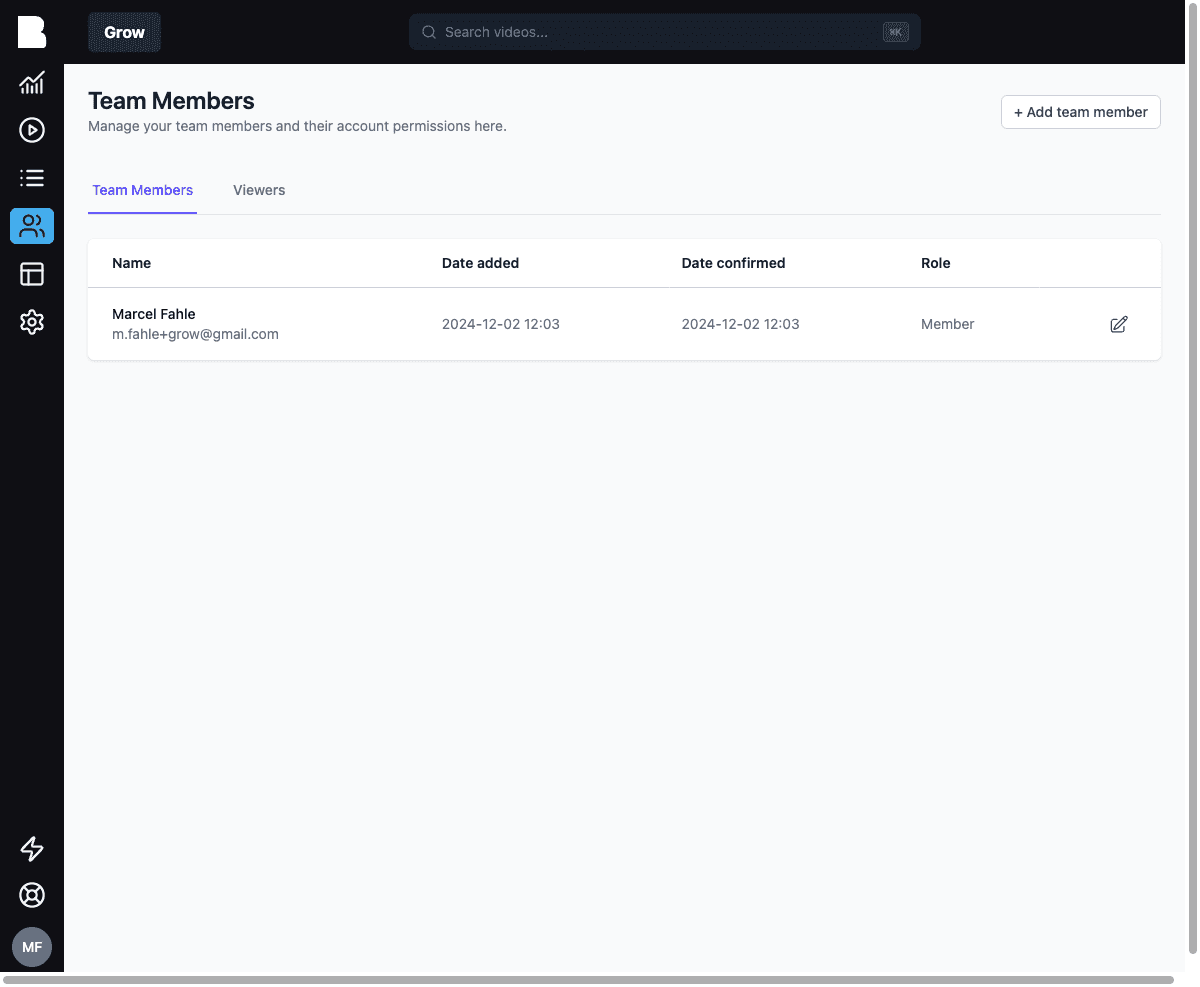
Click + Add team member to invite a colleague by email. The list shows when each member was added and confirmed, and their role.
Viewers
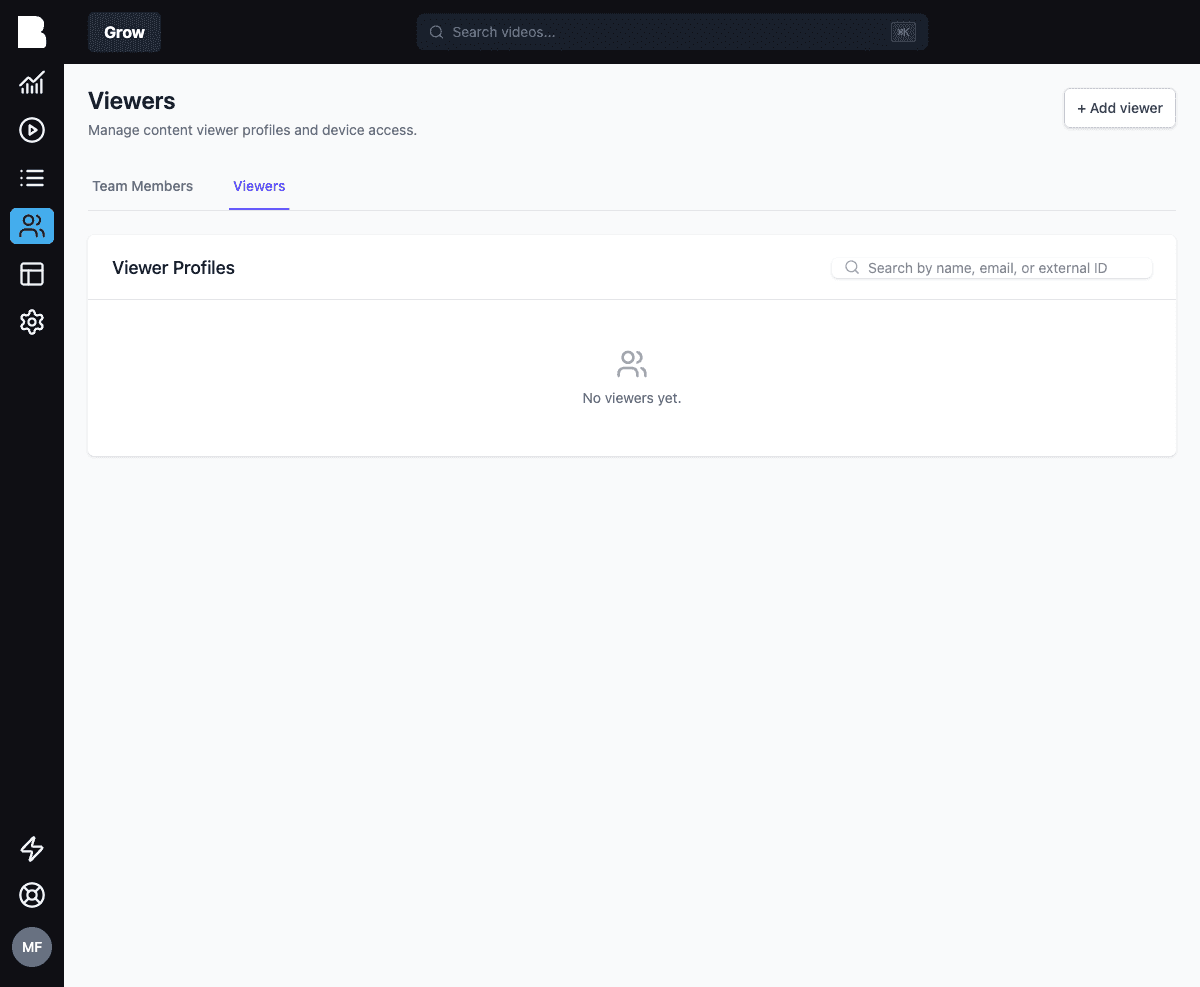
Viewers are usually created programmatically: your app registers a viewer when a member signs up, using your own user ID as the external_id. That link lets Bold:
- Track progress per member per video (power course dashboards, "continue watching")
- Personalize AI answers using the member's profile and history
- Enforce device limits to prevent password sharing
From the admin panel you can search viewers by name, email, or external ID, inspect their profile and devices, or add one manually with + Add viewer.
Progress tracking
Bold stores per-viewer, per-video progress: current position, completion percentage, completed flag. See the Viewers SDK guide or the Progress API.
Sessions & device limits
For paid communities, password sharing is real money. Bold can act as a headless session layer: your app authenticates the member (Auth0, Clerk, Outseta, …), then registers a device session with Bold. Bold enforces device limits, flags impossible-travel sign-ins, and lets you (or the member) revoke sessions.
Manage per-viewer limits and see active sessions from the viewer's profile, or automate everything via the Session Management SDK.
Bold deliberately does not own your member accounts or billing. It integrates with your auth (Clerk, Auth0, Outseta, …) and your payments (Stripe, …). Your stack, your data.